General Discussion
Share ideas, ask questions, and connect with members
1.248Topics
8.931Posts

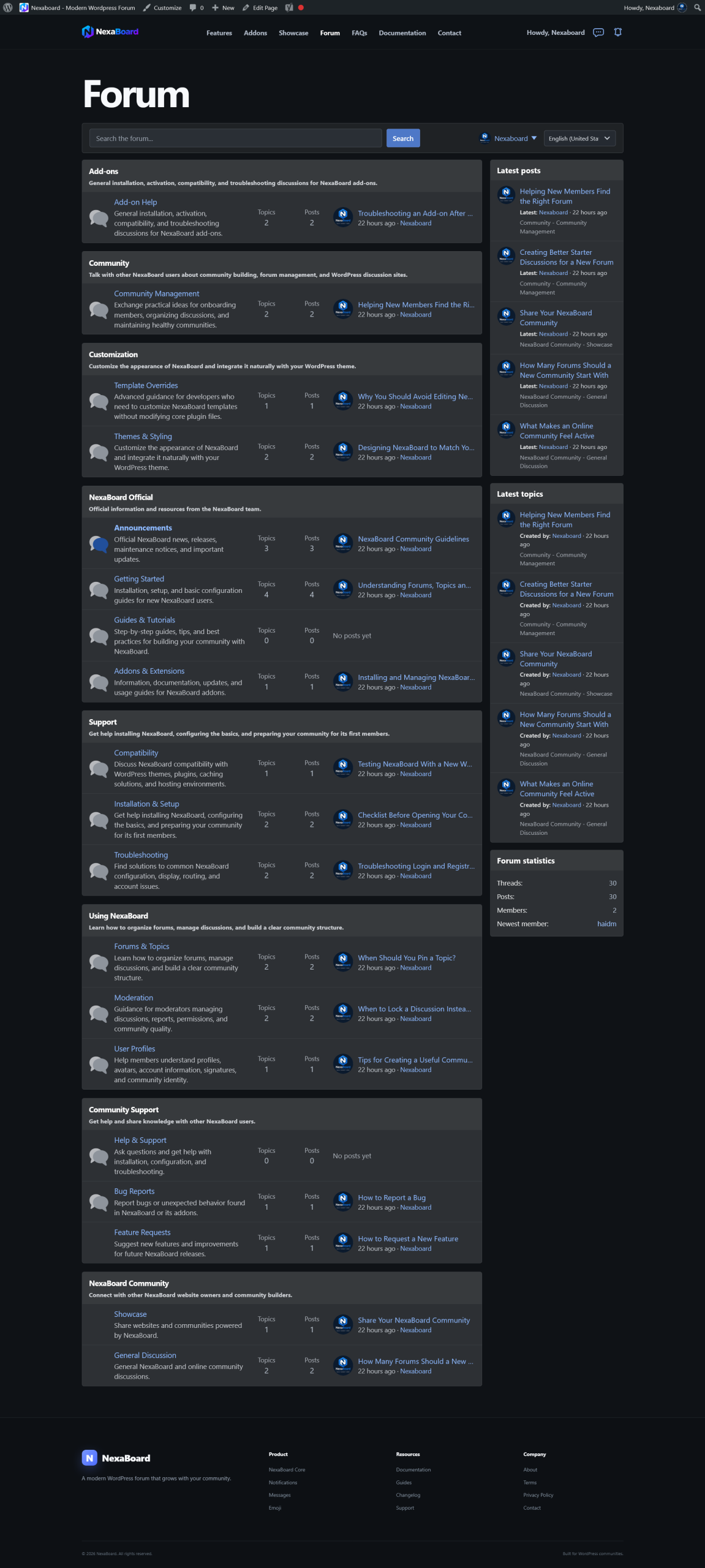
NexaBoard brings a modern forum experience to your WordPress website — lightweight, easy to manage, and extensible with a flexible extension ecosystem.
More than a place to post topics. NexaBoard focuses on member experience, practical administration, and an extensible architecture that grows with your website.
An interface optimized for reading, posting, and interacting without unnecessary distractions.
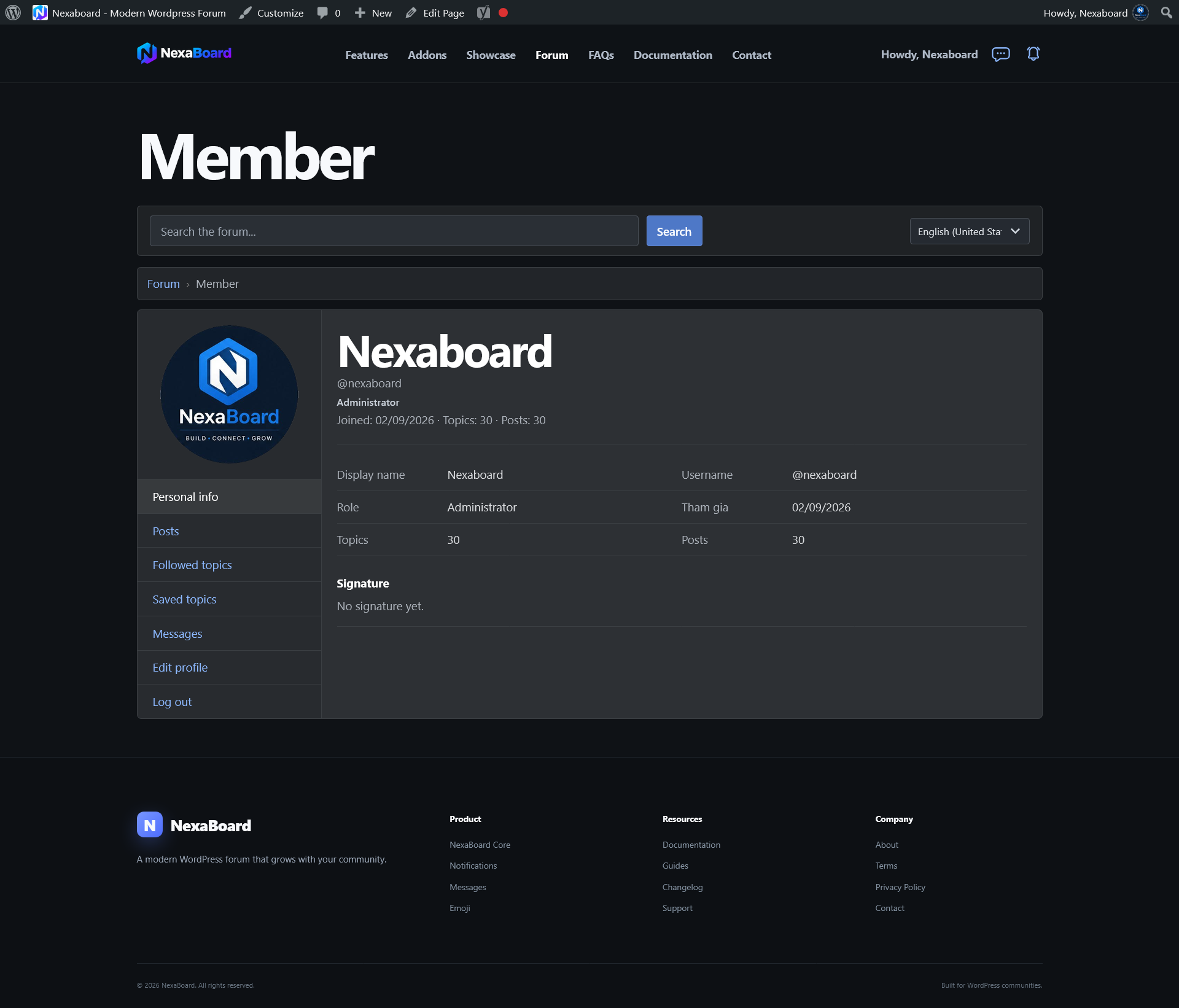
‘Profiles, posts, followed topics, and personal information are organized clearly.
Pin, lock, mark as read, and moderate content with practical admin controls.
A modern light/dark experience that is easy to customize for your brand.
Install only what you need. Extend the platform without making the core unnecessarily heavy.
Create public or private areas and control access based on your community needs.
Encourage meaningful interaction with profiles, reactions, notifications, follows, and private conversations.
Built with a clean, efficient foundation that stays responsive as your community and content continue to grow.
Keep the core lightweight and your website flexible. Each extension adds a focused set of community features.
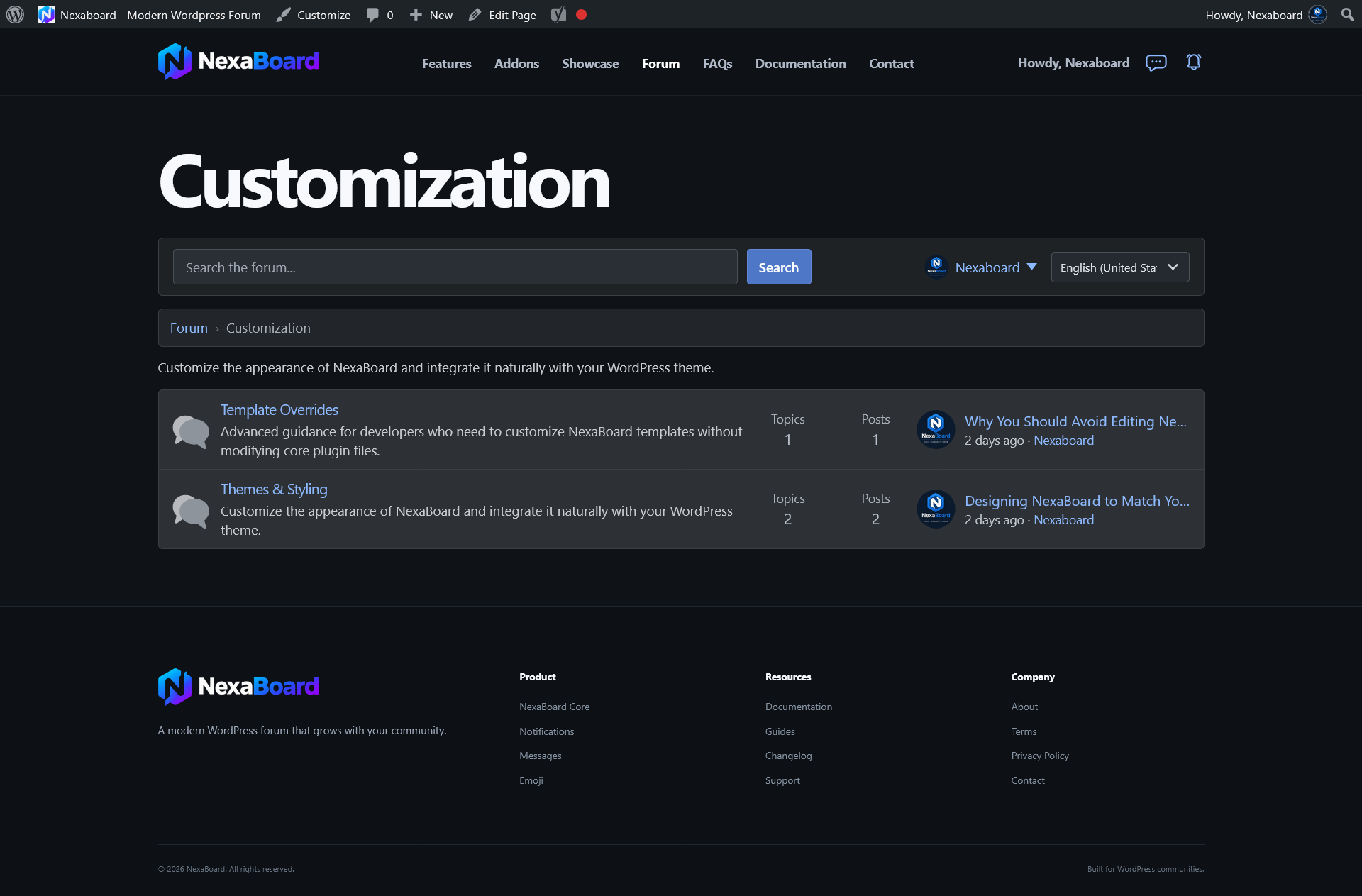
Use NexaBoard for content communities, customer support, membership websites, or private team discussions.
Gaming, comics, technology, photography, automotive, sports, and more.
Create private discussion areas for students or paid members.
Turn your forum into a searchable knowledge base and support hub.
Organize private discussions by team, department, or company project.
Members, content, design, and access permissions all stay inside your WordPress ecosystem.
The extension ecosystem grows by focused feature groups so the core stays lightweight and maintainable.
Private messaging between members.
Forum activity notifications.
Expressive emoji picker for posts and replies.
Post reactions and easy content sharing.
Community badges and achievements.
Advanced content search and filtering.
A great forum needs more than a long feature list. It should be simple enough for members to use every day and flexible enough for administrators to grow the community over time.
Common questions about setup and choosing extensions for your website.
Read the documentation →Yes. NexaBoard is designed to work inside your existing WordPress theme and can be customized with CSS to match your site.
No. Install only the extensions you need, or choose the bundle if you want the complete feature set from the start.
Extensions extend the core. Activating or deactivating an extension does not alter your core topics and posts.
Yes. Combine WordPress access controls with your forum structure to create public or private discussion areas.
Install NexaBoard, choose the extensions you need, and build the community experience your way.